Explore Guides

Search learning guides

Printer guides banner
THE PRINTER LEARNING LIBRARY

Understand your printer better.

Explore the everyday ideas behind connectivity, printer drivers, print queues and page quality through independent educational reading.

Connectivity & Network

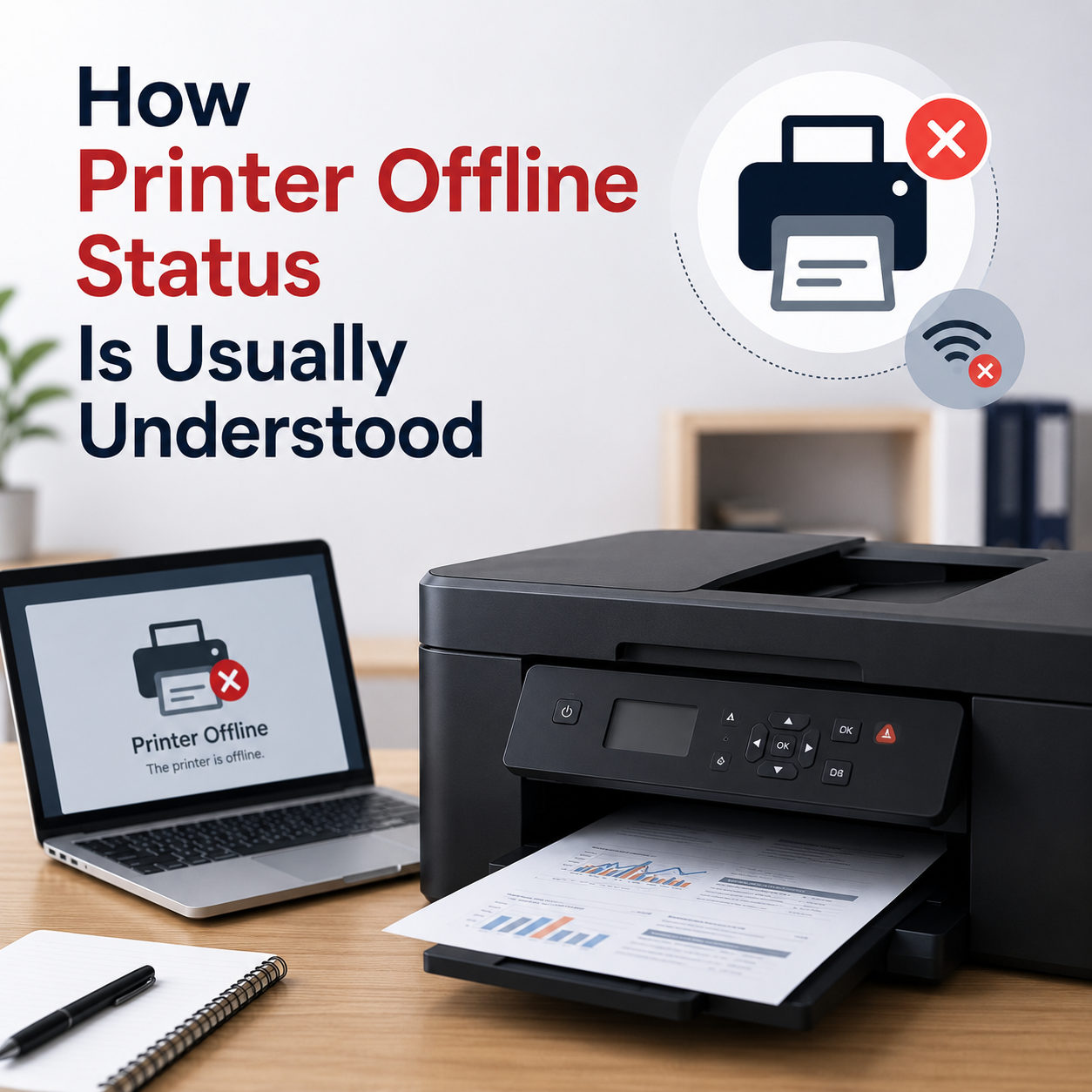
Offline & Wireless Printing

Understand why printers show an offline status, how wireless connections work, and which network details are important.

Offline StatusWi-Fi & IP BasicsNetwork Sharing
Read Offline & Connectivity Guide
WHAT YOU WILL UNDERSTAND
  • Why Windows marks a connected printer as offline or paused
  • How local Wi-Fi routers assign IP addresses to wireless printers
  • Difference between default printer selection and port status
A QUESTION WORTH EXPLORINGWhy does my printer say offline even when powered on?

Explore all printer guides
THE PRINTER KNOWLEDGE LIBRARY

Find clarity in every
printer topic.

Explore independent educational guides on connectivity, drivers, print queues and device settings.

08Learning guides
in four categories
EXPLORE THE COLLECTION8 guides
GUIDE 01
Connectivity 5 min read

Printer Offline Status & Connections

Understand why printers may show an offline status, how wireless connections work, and which network details are important.

  • Printer offline status explained
  • Wi-Fi and IP connection basics
  • Default printer settings
Read guide
GUIDE 02
Windows Service 4 min read

Print Spooler & Queue Basics

Learn how print jobs move through a queue, what the Windows Print Spooler does, and why printing requests may remain pending.

  • Print queue fundamentals
  • Windows spooler overview
  • Pending print job behavior
Read guide
GUIDE 05
Print Quality 5 min read

Blank Pages & Print Quality

Explore printhead behavior, cartridge components and common reasons for blank or incomplete printed pages.

  • Printhead fundamentals
  • Cartridge components
  • Print alignment concepts
Read guide
GUIDE 08
USB & Ports 5 min read

USB Printer Recognition & Ports

Learn how USB printer connections, host controllers and virtual printer ports support device communication.

  • USB connection fundamentals
  • Virtual printing ports
  • Cable and port recognition
Read guide
01 / LEARNING PROCESS

Learn the essentials
in three simple steps.

Choose a subject, read a clear explanation and explore related printer concepts—without technical jargon.

01
Choose a Topic

Find the Printer Topic You Need

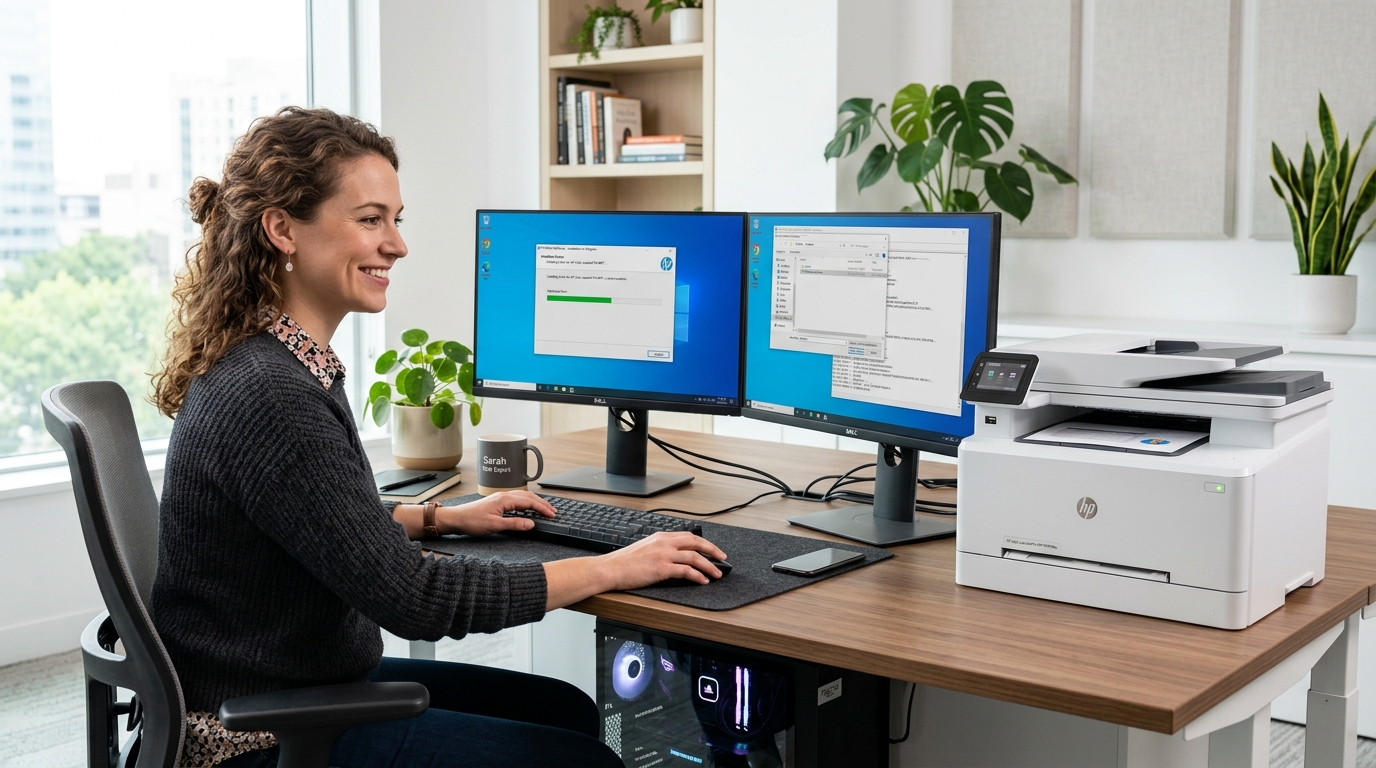
Start with the subject you want to understand, such as offline status, wireless connections, print queues or printer driver basics.

Explore topics relevant to your question
02
Read & Understand

Explore Clear, Illustrated Guides

Read straightforward explanations about printer features, operating-system settings and common device behavior, with visual examples where available.

Easy-to-follow educational explanations
03
Build Your Knowledge

Review Key Concepts & Related Topics

Revisit important information, understand what different printer indicators mean and continue exploring related educational articles.

Learn confidently at your own pace
View learning library
02 / FURTHER READING

From the learning journal.

All articles
03 / QUESTIONS & ANSWERS

A few helpful
answers.

Learn about common printing concepts and what this independent educational resource provides.

Educational content only. No technical assistance or repair services.
About this website
FREQUENTLY ASKED QUESTIONS 6 ANSWERS
01Is thethinksource a technical support or repair service?

No. thethinksource is an independent educational website. We publish informational articles about printer concepts and common device behavior. We do not provide phone support, remote desktop assistance, paid driver software or repair services.

Reference: Windows driver architecture — Microsoft Learn
02Which printer topics can I learn about?

Our library explains printer offline status, print queues, printer drivers, USB ports, wireless connectivity, local network sharing, blank page output and factory settings.

Reference: Add or install a printer in Windows — Microsoft Support
03Why might a printer appear offline?

An offline indicator can appear when the computer cannot communicate with a printer. Possible factors include disconnected network paths, USB connectivity, printer power states, paused queues or status communication differences.

Reference: Windows printer information — Microsoft Support
04What does the Windows Print Spooler do?

The Windows Print Spooler manages print requests and coordinates queued jobs before they reach a printing device. Understanding this process can help explain why a document may remain pending in a print queue.

Reference: Print Spooler service information — Microsoft Learn
05Do I need paid software or a subscription?

No. Our educational articles are available without a paid subscription. thethinksource does not require remote access tools or paid driver downloads to read its learning resources.

06How are your printer educational guides organized?

Each guide focuses on a single core concept—such as driver communication, wireless IP addressing or printhead operation—so you can read at your own pace without technical jargon.